Sign up
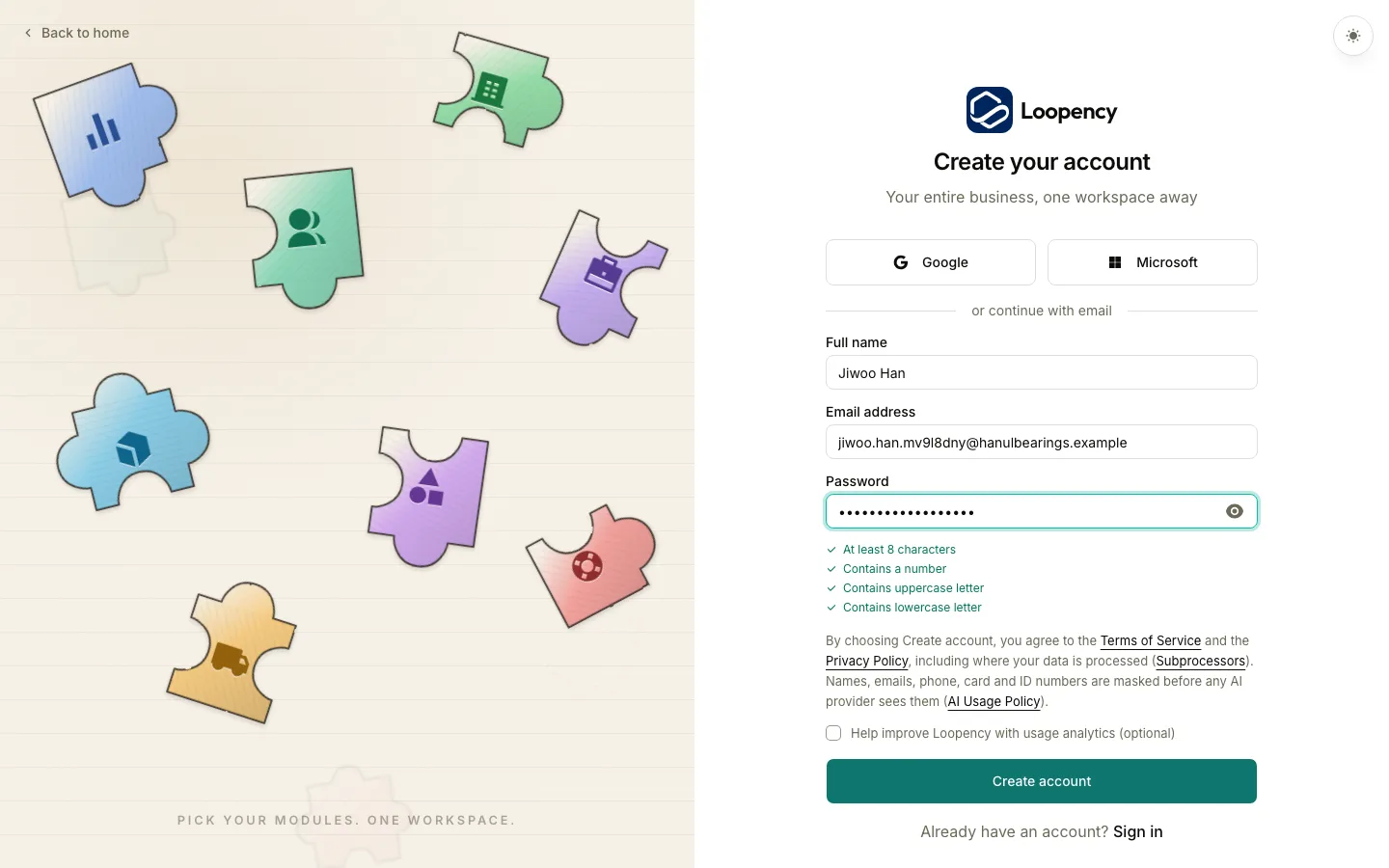
- Go to the sign-up page and enter your Full name, Email address and a Password. The password needs at least 8 characters, a number, an uppercase and a lowercase letter.
- Choose Create account. You can also sign up with Google or Microsoft.
- Open the email we send you and click the link to verify your address, then sign in.
- If Loopency asks you to accept the terms on a screen called Before we start, choose Accept and continue.
Loopency opens your company and takes you to Home.
Your trial
Your new company starts on a 14-day Business trial. You do not enter a card. The top bar shows how many days are left.

What happens when the trial ends is on When the trial ends.
Next: Set up your company.