Add your first customer
On Home, choose Add your first customer (the button is named for your business). You can also open Finance from the rail, then Customers, and choose New.
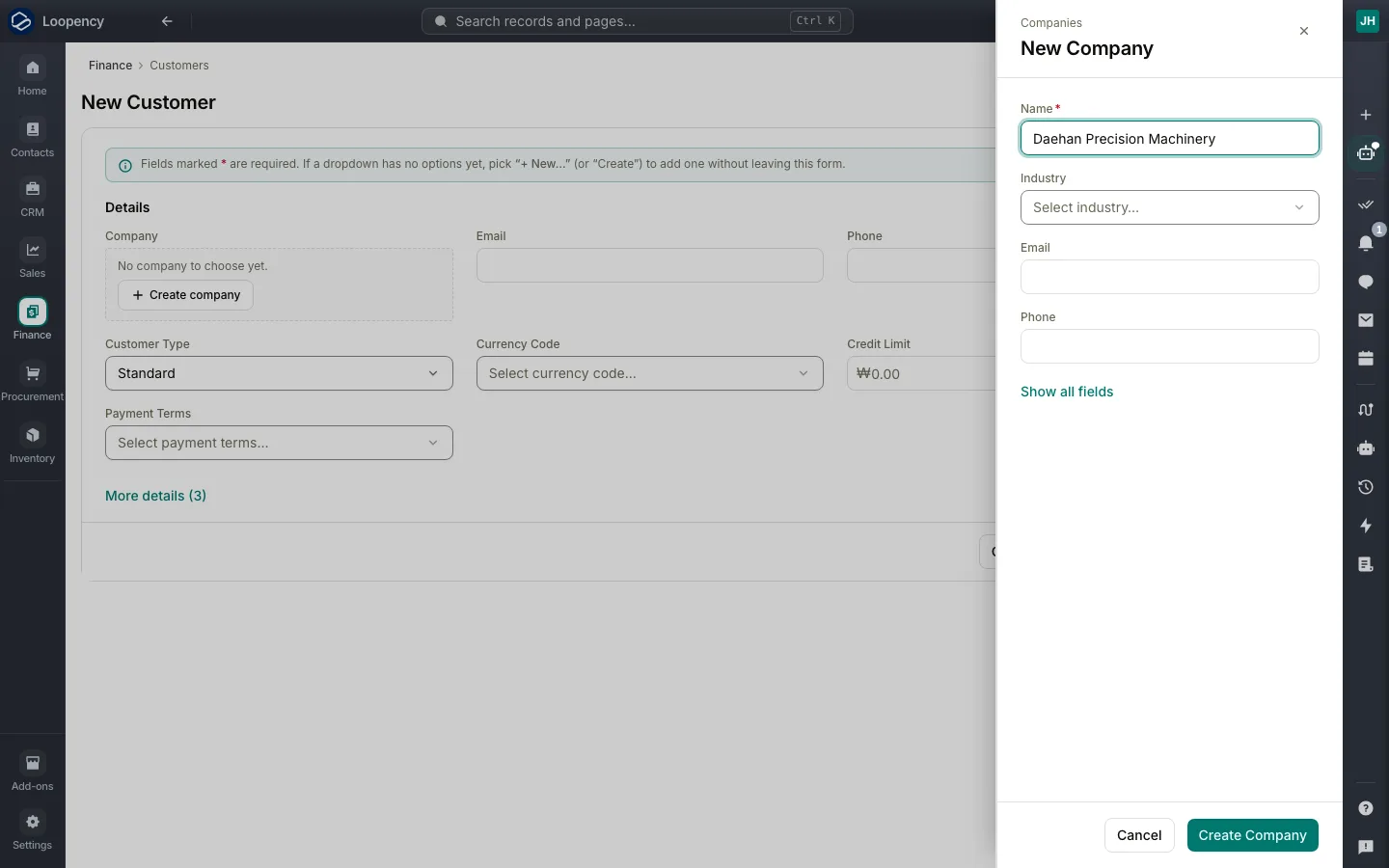
Under Company, choose Create company, enter the company's Name and choose Create Company. If the company is already in Loopency, pick it instead.
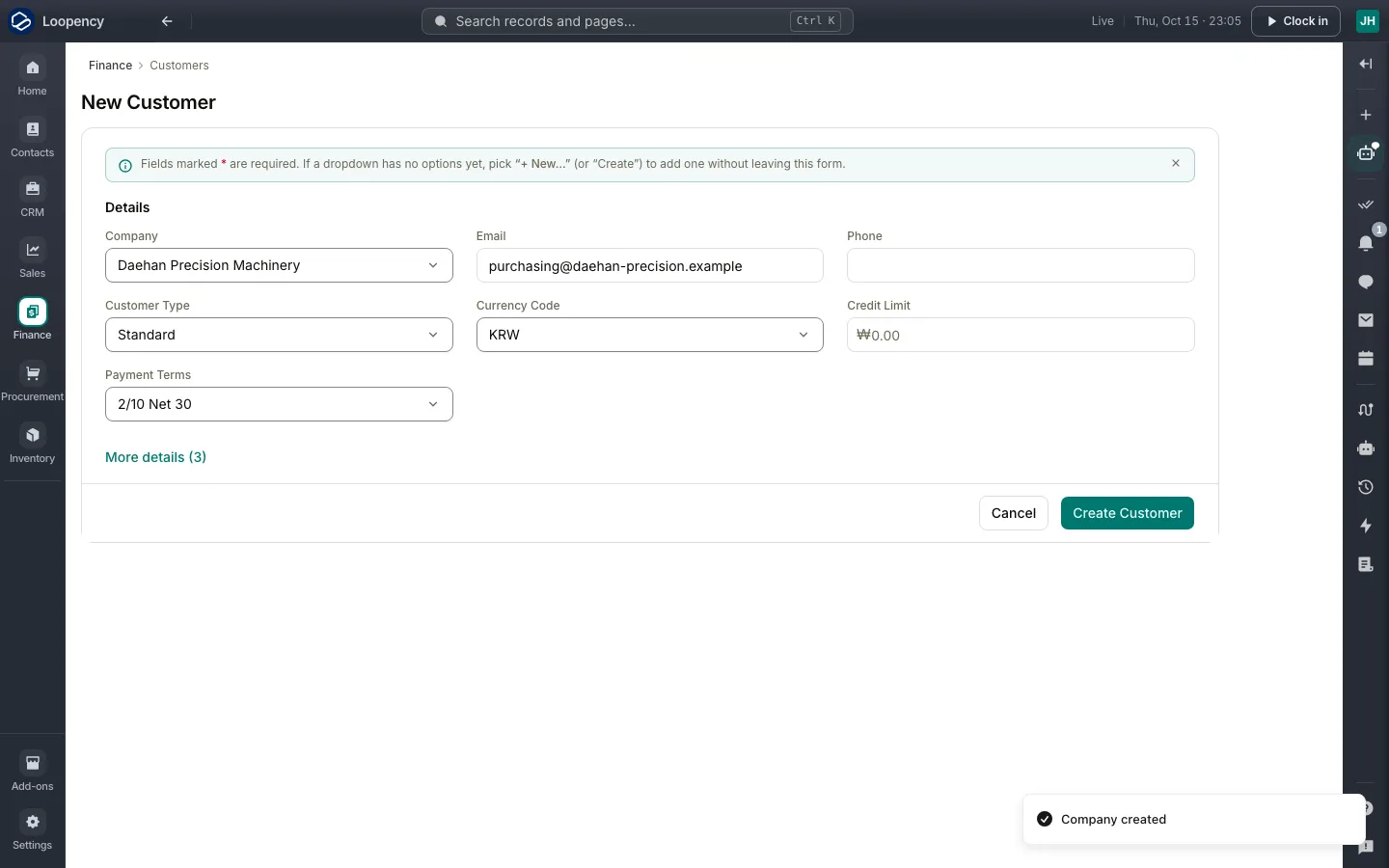
Add the customer's Email, the Currency Code you bill them in and their Payment Terms, such as Net 30.
Choose Create Customer.
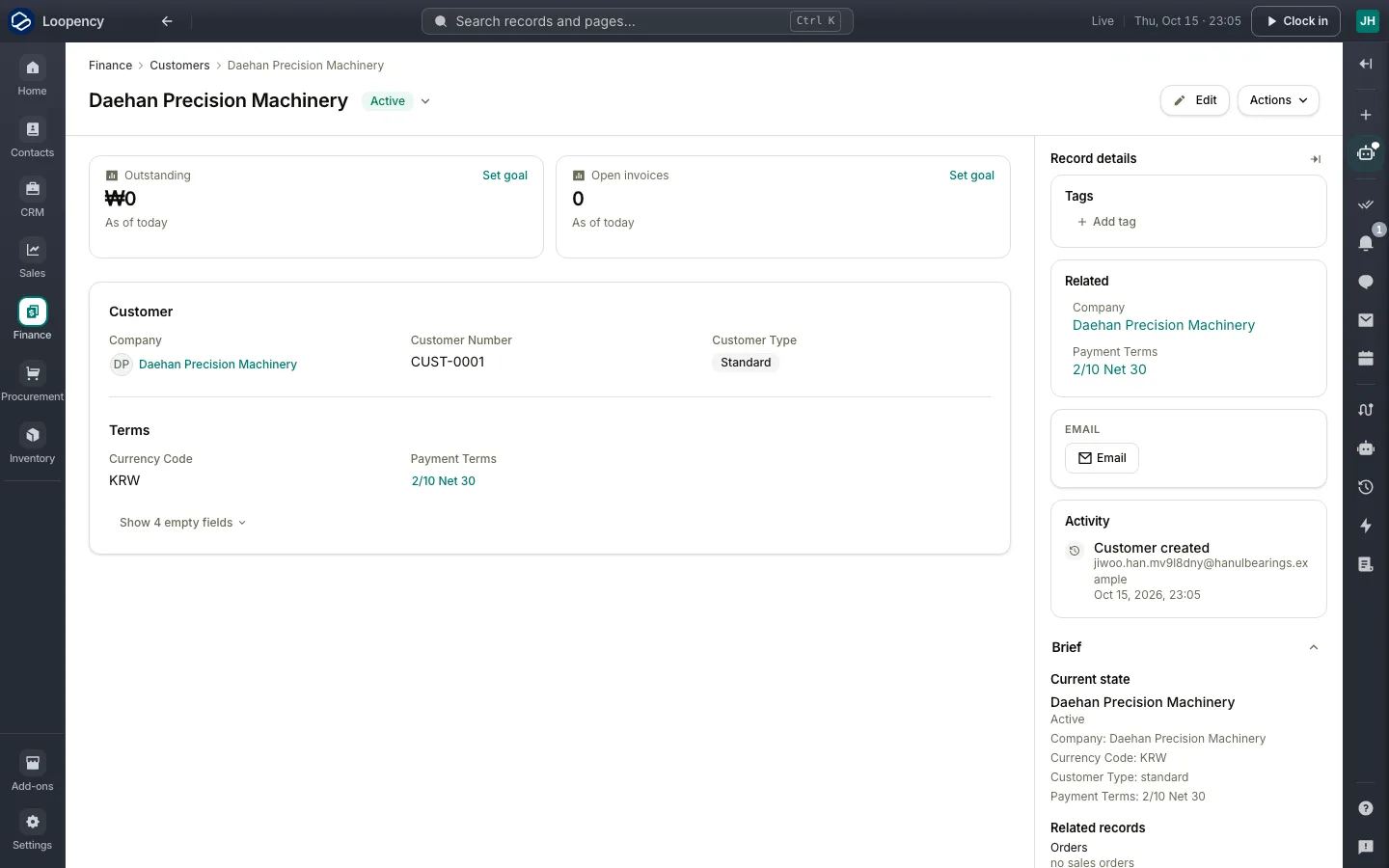
The customer's page shows what they owe and their open invoices, which start at zero. The company you created is shared by every module, so Sales, Finance and Support all see the same customer.
Next: Add a product.