Best Order Management Software for B2B Companies
B2B orders need quotes, customer prices, credit limits and partial shipments. Ten criteria and six options, with honest limits
By Sayed Nadim
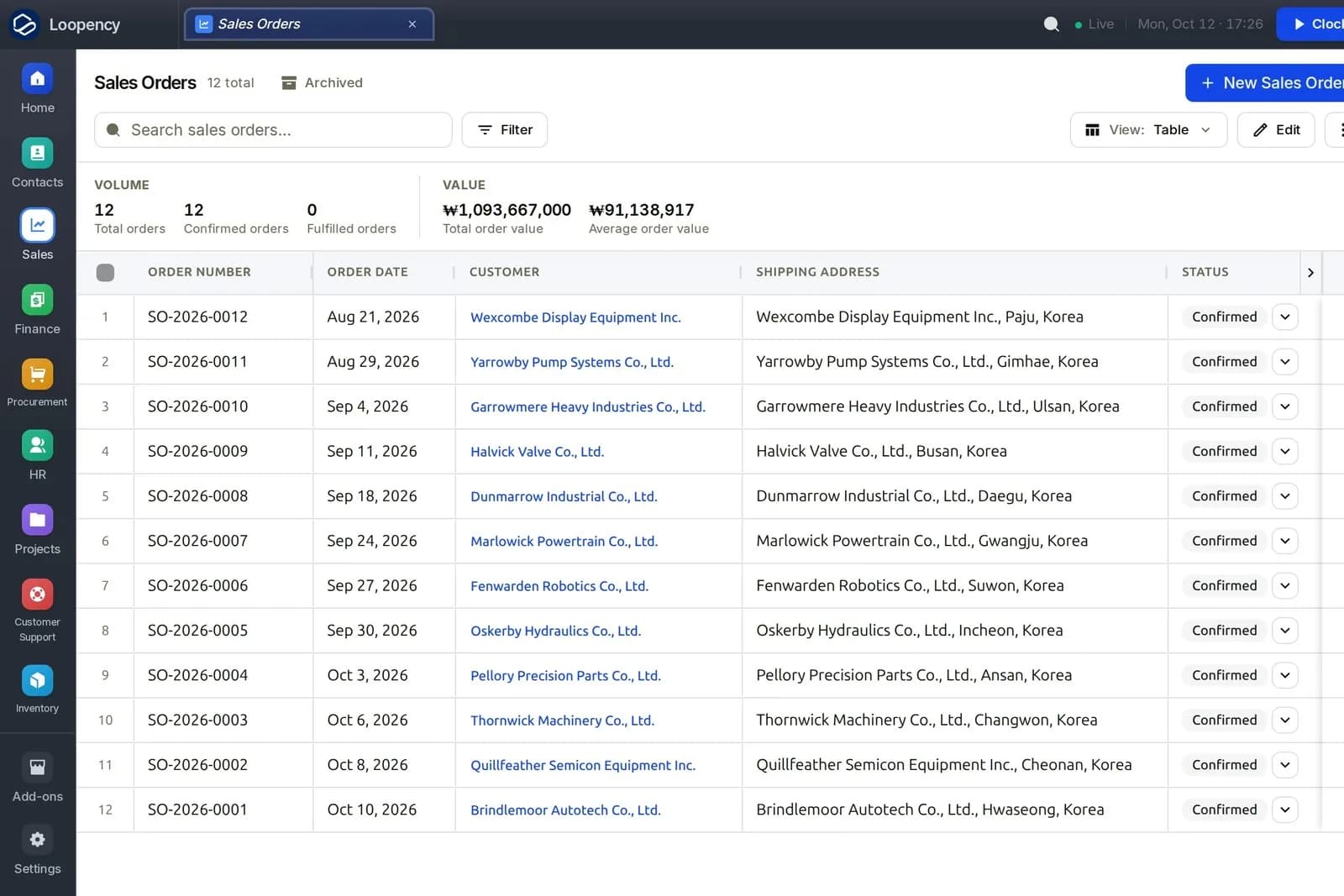
This post is for the owner or sales operations lead at a business that sells to other businesses: a distributor, a wholesaler, a manufacturer selling to trade customers. Your orders come with quotes, negotiated prices, credit terms, partial deliveries and purchase order numbers from the customer, and the tools built for online shops do not quite fit.
The short answer: B2B order management is different from retail order management in ten ways, and the right tool is the one that handles the five of those ten that matter most to you. In brief:
- High order volume: Cin7, whose plans are sized by yearly order count.
- Low cost, with Zoho or QuickBooks already in place: Zoho Inventory, or QuickBooks Online Advanced with add-ons.
- One product for orders, stock and accounting, with implementation budget: Odoo, or NetSuite at larger scale.
- The pain is the cycle from quote to cash, across sales, stock, purchasing and finance: Loopency, with the limits stated below.
The Ten B2B Criteria
| # | Criterion | Why it matters in B2B |
|---|---|---|
| 1 | Quotes that become orders | Most B2B orders start as a quote; retyping it is where errors start |
| 2 | Customer-specific prices | Negotiated prices and price lists per customer or group |
| 3 | Credit limits and terms | Selling on 30 or 60 days means deciding who you extend credit to |
| 4 | Available stock at quote time | Promise only what you can deliver |
| 5 | Backorders and shortages | When stock is short, the order waits and purchasing must know |
| 6 | Partial shipments | Ship what you have; invoice what shipped |
| 7 | Invoicing from the order | Each line billed once, with the customer's PO number |
| 8 | Returns and credits | A return should credit the invoice and restock the item |
| 9 | Approvals | Discounts, credit overrides and large orders need someone's yes |
| 10 | Customer self-service | A portal or links where the customer sees and acts on their documents |
The Options
Prices below were read from each vendor's own page on 15 October 2026, in US dollars. They change; check the source.
Cin7 Core
Price: Standard $349 per month (5 users, 6,000 sales orders a year) up to Advanced $1,199 (15 users, 120,000 orders). Cin7 pricing Strong on: order volume, judging by the yearly order allowances its tiers are built around; a product business with many sales orders a year. Check: that your order volume fits the tier's yearly order allowance, and how accounting is handled.
Zoho Inventory
Price: Standard $29 per organisation per month billed yearly (500 orders a month); Premium $79 (3,000 orders); Enterprise $249 (15,000 orders). Zoho Inventory pricing Strong on: low cost and the Zoho ecosystem, including Zoho Books for invoicing. Check: monthly order caps and user limits.
QuickBooks Online Advanced
Price: $340 per month regular price, 25 users, with inventory included from the Plus plan up. QuickBooks pricing Strong on: invoicing and accounting, and your accountant probably knows it. Check: how much of 1 to 10 it covers natively and how much needs add-on apps.
Odoo
Price: Standard plan includes all apps; per-user price with a first-year discount for initial users. Odoo pricing Strong on: sales, inventory, purchasing and accounting in one product. Check: implementation effort for your specific pricing and credit rules.
NetSuite
Price: by quote; we found no published list price on NetSuite's site. Strong on: scale, multiple entities, and complex order management. Check: whether you need that scale; under 100 people it is often more than required.
Loopency
Price: Community free for up to three people; Business per person with a 14-day trial. Pricing
| # | Loopency |
|---|---|
| 1 | Quotes go to the customer as a secure link; accepting takes a one-time code; the accepted quote converts into the order |
| 2 | Price books, including a customer's default price book, actually price the order line |
| 3 | An order past the customer's credit limit is refused at confirmation; an override waits for an approver who is not the requester |
| 4 | An accepted quote reserves the stock it needs |
| 5 | The order shows what it is short; "Buy what's short" raises a purchase request for exactly that, and receipts fill the waiting order |
| 6 | Partial deliveries per line; shipping records cost of goods sold |
| 7 | The order is the billing record; each line is invoiced once |
| 8 | An approved return credits the invoice; restocking reverses cost of goods sold |
| 9 | Credit overrides through approval; configurable approval policies on the Business plan |
| 10 | Per-document links (the quote, the purchase order, the issued invoice), not a full customer portal |
Where we are the wrong choice, honestly:
- Many sales channels. If orders arrive from online marketplaces and shop platforms and must flow in automatically, Loopency does not connect to marketplaces or shop platforms today. Check each other vendor's own integrations list for the channels you use.
- A customer portal. Customers cannot log in and see all their orders and invoices in one place today. They get a secure link per document.
- Accounting elsewhere. Loopency has its own ledger and does not sync to QuickBooks or Xero today.
- Track record. We are newer than everyone on this list.
How to Choose
- Rank the ten criteria for your business. Pick the top five.
- Cross off any tool that fails one of your top five without an add-on you are willing to buy and maintain.
- Check volume caps against two years of growth.
- Trial the remaining two with a real B2B order: a quote at a customer-specific price, accepted, with one line short, shipped in two parts, and one item returned.
That single order exercises eight of the ten criteria, and you will learn more from it than from any demo.
Run a real B2B order through Loopency
Competitor prices and limits were read from each vendor's own pricing page on 14 October 2026 and are linked where used.